
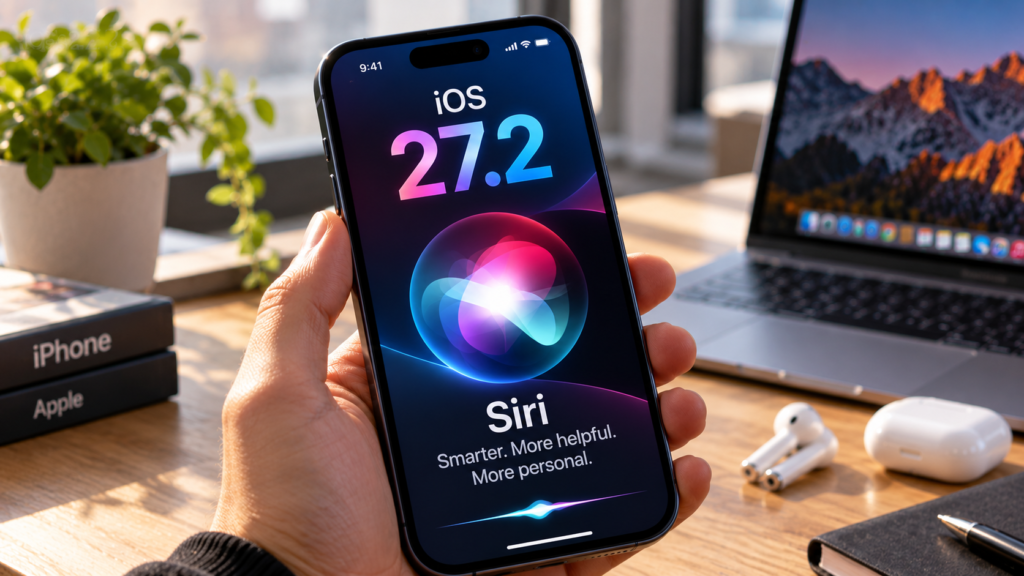
Apple’s iOS 27.2 update brings new Siri AI features, improved personal context, additional languages, and security updates. But not every iPhone that supports the update can use the new AI features.About iOS 27 Updates
As someone who enjoys exploring technology, I always look forward to software updates. There’s usually something new to discover, understand, and share.
While researching iOS 27.2, I found several improvements that caught my attention, especially Siri’s ability to remember previous conversations and work with more information from your iPhone.
I think these changes are exciting, but there’s an important question worth asking: Do these new features actually make Siri more useful, and is the update worth installing?
Let’s explore what’s new, how it works, which iPhones are supported, and what you should know before updating.
What’s New in iOS 27.2 Siri AI?
Siri has traditionally helped iPhone users with simple tasks such as setting alarms, checking the weather, making calls, and sending messages.
With iOS 27, Apple introduced a redesigned Siri AI experience built around more natural conversations, onscreen awareness, and actions across supported applications.
iOS 27.2 builds on those improvements.
According to Apple’s published release information, the update introduces conversation recall, expanded personal context, additional language support, and more control over app access.
One of the most interesting changes is that Siri can use information from earlier conversations when answering a new question.
Personally, I find this a significant improvement. The ability to communicate with Siri more naturally could make it feel less like giving instructions to a device and more like using a helpful digital assistant.
However, these features still depend on device compatibility, permissions, and availability.
Siri AI Conversation Memory Explained
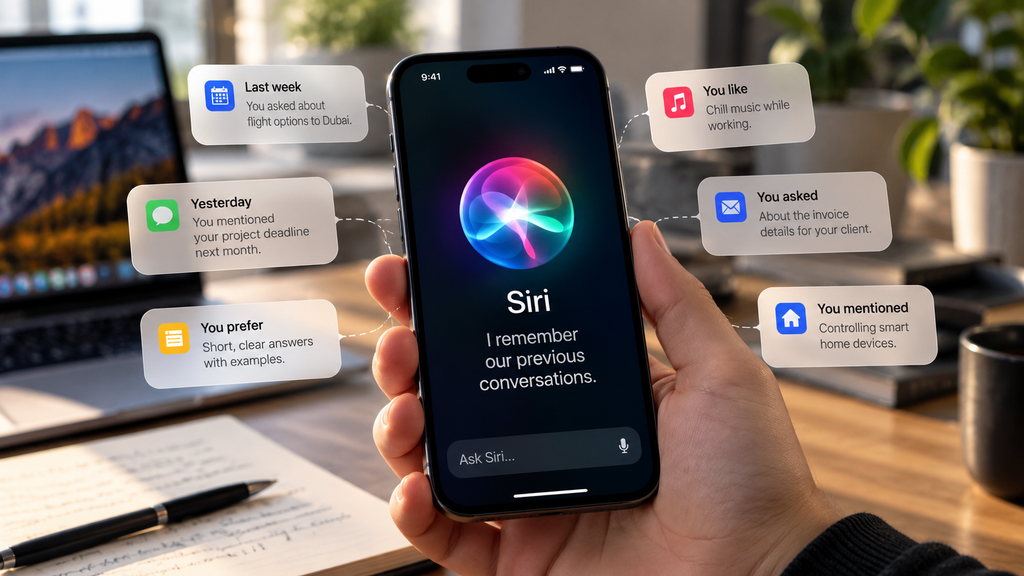
One of the biggest improvements in iOS 27.2 is Siri AI’s conversation recall.
Imagine asking Siri to recommend a few restaurants for the weekend. Several days later, you remember that one suggestion sounded interesting, but you’ve forgotten its name.
Instead of repeating your original request, you could ask:
“What was that restaurant you recommended last week?”
Siri may be able to use information from your earlier conversation to help answer.
This could be useful for planning trips, researching products, remembering recommendations, or returning to questions you’ve previously discussed.
What interests me about this feature is its potential to reduce repeated explanations.
However, conversation memory does not mean Siri remembers everything perfectly. Its ability to retrieve earlier information may depend on what was retained and whether the relevant context is available.
For important information, it’s still sensible to use notes or reminders rather than relying entirely on an AI assistant.
How Siri Uses Messages, Photos, and Personal Context
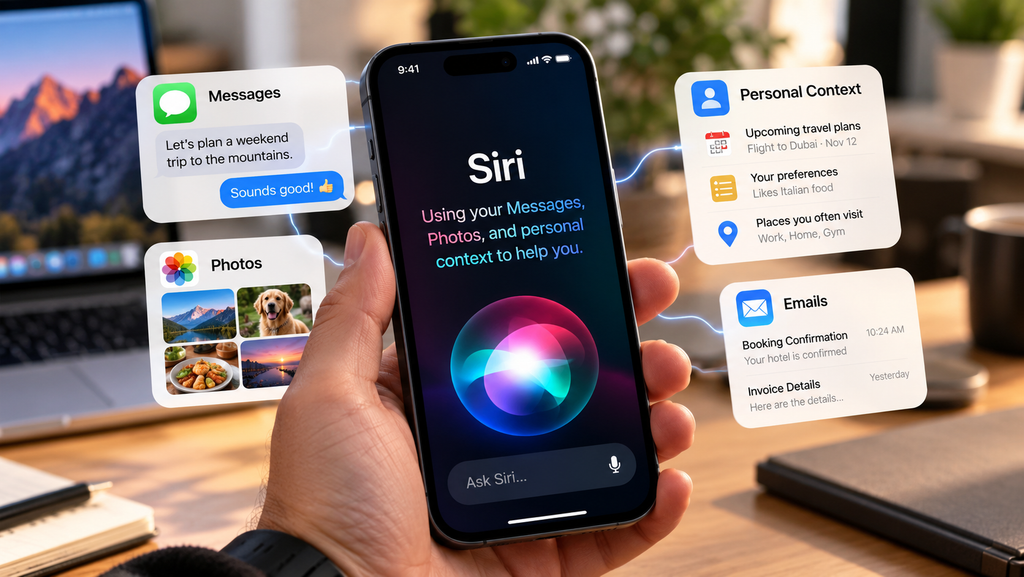
Another important change is Siri’s ability to work with more information stored across your iPhone.
Apple describes expanded personal context that can include information from Messages, Calendar, voicemail, Safari browsing history, and Reading List.
For example, suppose a friend sends you a restaurant photo through Messages.
Later, you want to find that restaurant but can’t remember which conversation contained the picture.
With the appropriate access and context, Siri may be able to help you locate the information.
Similarly, Siri could help with questions related to upcoming Calendar events or information you’ve previously viewed in Safari.
These features could make everyday tasks easier by reducing the need to search through multiple applications.
I think this is where the real value of AI assistants becomes clearer. It’s not simply about generating better answers. It’s about making information easier to find when you need it.
Still, the examples above are possible uses of the announced features, not results from my own testing.
Which iPhones Support Siri AI?
Not every iPhone that can install iOS 27.2 can use the new Siri AI features.
According to Apple’s compatibility requirements, Siri AI is available on the iPhone 15 Pro, iPhone 15 Pro Max, and iPhone 16 models or later.
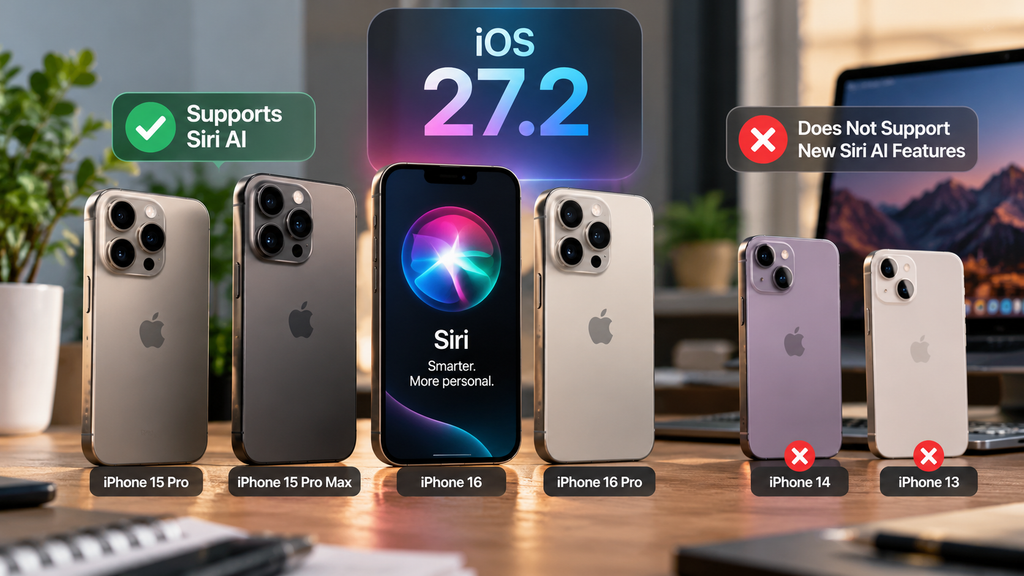
iOS 27.2 compatibility table
| iPhone model | iOS 27.2 | Siri AI |
| iPhone 18 series | Supported | Supported |
| iPhone 17 series | Supported | Supported |
| iPhone 16 series | Supported | Supported |
| iPhone 15 Pro / Pro Max | Supported | Supported |
| iPhone 15 / 15 Plus | Supported | Not supported |
| iPhone 14 series | Supported | Not supported |
| iPhone 13 series | Supported | Not supported |
| iPhone 12 series | Supported | Not supported |
| iPhone 11 series | Supported | Not supported |
The important difference is that receiving an iOS update does not guarantee access to every feature inside it.
If you own an older compatible iPhone, you can still benefit from applicable security updates and system improvements, even without the redesigned Siri AI experience.
How to Enable and Use Siri AI
Before getting started, check that your iPhone supports Siri AI and that the feature is available in your language and region.
Step 1: Update your iPhone
Open Settings, select General, and tap Software Update.
If iOS 27.2 is available for your device, follow the instructions to download and install it.
Before updating, back up your iPhone and make sure you have sufficient battery power and storage space.
Step 2: Check Siri and Apple Intelligence settings
After installing the update, open Settings and look for the Apple Intelligence and Siri options.
Check that the relevant features are enabled and that your selected language is supported.
Available settings may vary by device and region.
Step 3: Try a natural conversation
Once Siri AI is available, try asking a question such as:
“Can you suggest three places I could visit this weekend?”
You can then ask a related follow-up question.
For example:
“Which of those places would be best for families?”
This is a simple way to explore conversational interactions.
Step 4: Explore conversation recall
After using Siri for a while, try referring to something you discussed earlier.
For example:
“Do you remember the restaurants you suggested last week?”
The answer will depend on whether Siri can access the relevant earlier information.
These are general instructions based on the announced features. Exact menus and behavior should be checked on a supported iPhone.
Siri AI Privacy and Excluded Apps
Privacy is one of the first things that came to my mind while researching this update.
As Siri becomes more capable of working with messages, photos, and other personal information, it’s reasonable to ask how much access an AI assistant should have.
For me, the biggest question is whether our personal conversations and information remain protected as these features become more advanced.
However, there’s an important distinction.
Siri having access to permitted information does not mean it continuously listens to or records every conversation around your phone.
Apple provides controls for Siri activation, permissions, and information access. The exact handling of information depends on the feature being used.
iOS 27.2 also introduces Excluded Apps, allowing users to control which applications Siri, Search, and suggestions can access.
This is particularly useful if you prefer to keep certain applications separate from AI-powered suggestions.
Apple’s privacy approach includes on-device processing for supported tasks, while some Apple Intelligence requests can involve server-side processing.
My view is that these features are worth exploring, but privacy settings should never be ignored.
Before enabling more personal features, review what information your device allows Siri to access.
Supported Languages and Regional Restrictions
Language support matters because not everyone speaks or understands English.
A digital assistant becomes much more useful when people can communicate with it in a language they’re comfortable using.
That’s why I find Apple’s language expansion particularly interesting.
Apple announced additional Siri AI language support for French, Japanese, Korean, Portuguese, and Spanish.
English is already supported, and more languages are planned.
However, availability can differ between Siri AI and other Apple Intelligence features.
Regional restrictions also apply, meaning a supported iPhone may not have access to every feature in every country
Before updating specifically for Siri AI, check Apple’s current language and regional availability information.Siri AI’s Language Expansion
iOS 27.2 vs iOS 27: What’s Different?
iOS 27 introduced the redesigned Siri AI experience, while iOS 27.2 focuses on making it more useful.
The main difference is the amount of context Siri can work with and its ability to return to previous conversations.
| Feature | iOS 27 | iOS 27.2 |
| Natural Siri conversations | Introduced | Continued improvements |
| Onscreen awareness | Introduced | Continued support |
| Personal context | Initial capabilities | Expanded sources |
| Conversation recall | Not listed as an initial feature | Added |
| Excluded Apps | Not listed | Added |
| Language support | Initial availability | Expanded |
For me, the most interesting improvement is conversation recall.
Being able to return to a previous discussion without explaining everything again sounds like a small change, but it could make Siri more convenient for everyday use.
That said, a feature announcement alone doesn’t tell us how consistently it will work in real situations.
Should You Install iOS 27.2?
Based on the announced features and security improvements, I think iOS 27.2 is worth considering for users with compatible devices.
I enjoy keeping up with new technology, and updates like this give us an opportunity to discover features that may improve how we use our phones.
However, following technology trends shouldn’t be the only reason to install an update.
You should also consider your device’s compatibility, app requirements, storage space, and whether any known issues could affect your daily use.
If you own a supported Siri AI device, the new features offer an additional reason to explore the update.
If your iPhone doesn’t support Siri AI, the security and system improvements may still make updating worthwhile.
Frequently Asked Questions
Is Siri AI available on iPhone 14?
No. The iPhone 14 series can receive iOS 27.2, but it doesn’t meet the hardware requirements for the new Siri AI features.
Can Siri AI remember previous conversations?
Yes. iOS 27.2 introduces conversation recall, allowing Siri to use information from earlier interactions when available.
Does Siri AI work without an internet connection?
Some Apple Intelligence processing can happen on the device, while other features require server-side processing. Offline availability depends on the specific task.
Is Siri AI available in every country?
No. Device, language, age, and regional restrictions affect availability.
Is Siri AI safe to use?
Apple provides privacy controls and protections, but users should review permissions and remain careful when sharing sensitive information.IOS 27.2, Security Updates
Conclusion
iOS 27.2 brings some interesting improvements to Siri AI, particularly conversation memory, expanded personal context, and additional language support.
As someone who enjoys learning about technology, I find these developments exciting because they show how digital assistants are becoming more practical.
However, compatibility, privacy, and reliability remain important considerations.
My recommendation is to explore the update if your iPhone supports it, but understand what you’re getting before installing it.
The real test isn’t how many new AI features Apple introduces. It’s how useful those features become in everyday life.
Stay ahead of the future with the latest AI news, breakthroughs, and innovations at TechsNeurons.