
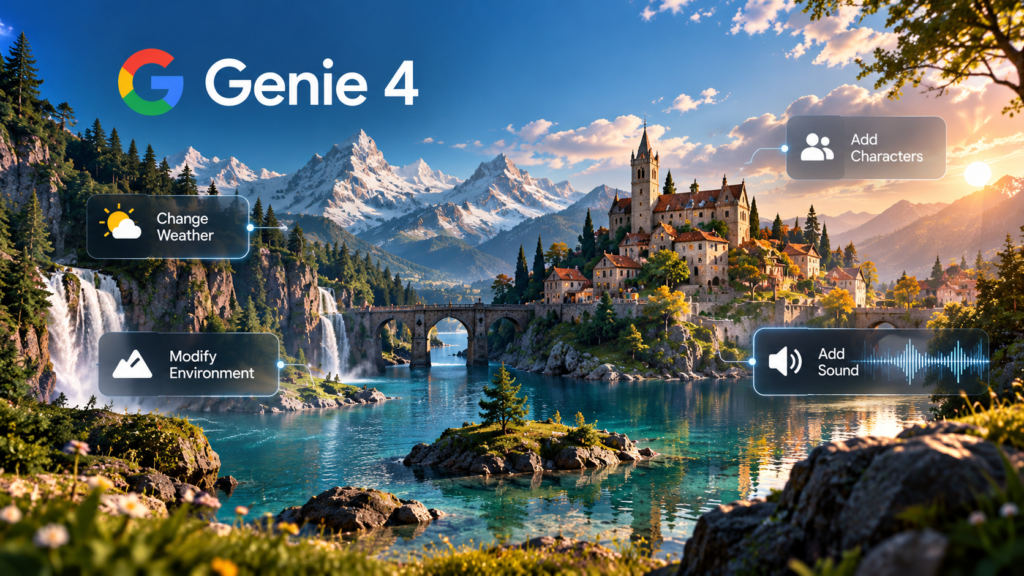
While researching Google DeepMind’s Genie 4, one thing immediately caught my attention: AI is moving beyond generating images and videos toward creating entire interactive worlds.
What I found particularly interesting is that Genie 4 doesn’t just create a realistic environment. According to Google’s demonstrations, you can explore that environment, change the weather, introduce characters, and see how the world responds in real time.
Another feature that surprised me was its native audio capability. Imagine exploring an AI-generated world where you can hear the wind, environmental sounds, and even characters responding to conversations.
That made me think about how useful this technology could become for game developers, filmmakers, and researchers who need realistic simulations.
But can you actually use Google Genie 4 today?
As of October 28, 2026, Genie 4 is available through a limited research preview, with a waitlist for broader access. Google plans to expand availability through Project Genie, starting with Google AI Ultra subscribers.Google DeepMind
In this guide, I’ll explain what Genie 4 is, how to request access, how to write prompts, and what you could create once it becomes available to you.
What Is Google DeepMind Genie 4?
Google Genie 4 is an AI world model designed to generate interactive environments that respond to user actions.
Unlike traditional image generators, which create still pictures, Genie 4 can produce environments that users explore and influence.
For example, you could describe a peaceful village surrounded by mountains. The model generates the environment, and you can explore it from different viewpoints.
You could then request changes, such as adding rain, introducing a character, or changing the camera’s direction.
According to Google DeepMind’s official Genie 4 page, its demonstrated capabilities include real-time world changes, natural-language instructions, interactive characters, and generated environmental audio.Google DeepMind
What interests me most is the possibility of interacting with an AI-generated environment instead of simply watching it.
Of course, Genie 4 is still experimental. Google acknowledges limitations in long-term consistency, physical interactions, and accurate simulations of real-world locations.
Still, from what I’ve researched, it’s one of those AI developments that makes me curious about what we’ll be able to create in the next few years.
How to Access Google Genie 4 and Join the Waitlist
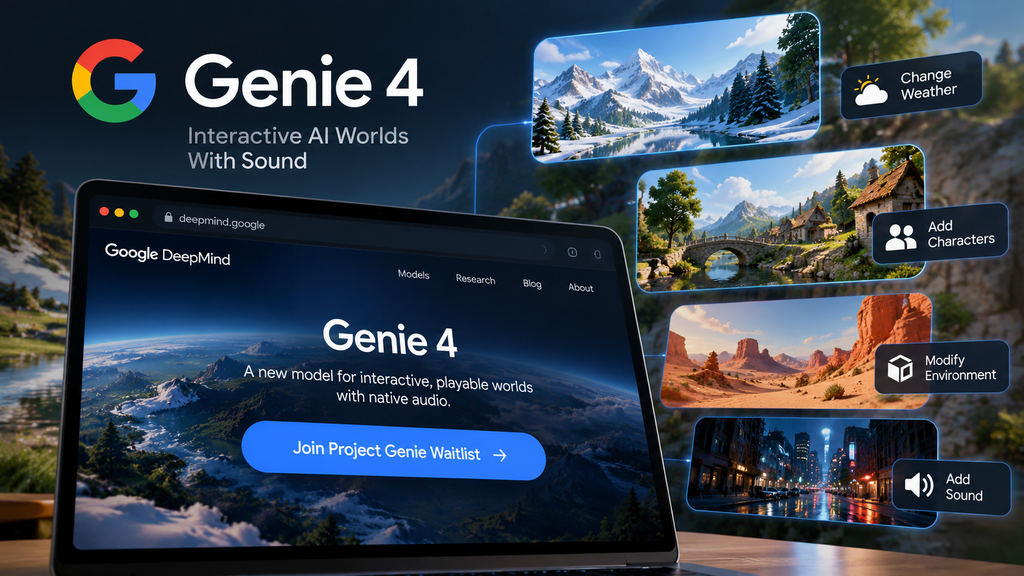
Before getting started, it’s important to understand that Genie 4 is not yet available to everyone.
Google has introduced the technology through a limited research preview for selected testers.
Step 1: Visit the official Genie 4 website
Open the Google DeepMind Genie 4 model page.
Here, you can explore Google’s demonstrations, learn about the technology, and review its limitations.
Step 2: Join the waitlist
On the official page, look for the Join Project Genie waitlist section.
You can use Google’s official model page to reach the registration form.
Step 3: Complete the registration
Follow the instructions and provide the information requested by Google.
Joining the waitlist does not guarantee immediate access.
Step 4: Wait for an invitation or wider release
Google says Genie 4 will become available through Project Genie, initially for Google AI Ultra subscribers. Early access for selected partners through Google AI Studio and the Gemini API is also planned. Google DeepMind
My thoughts on limited access
I personally believe early-access restrictions are reasonable, especially for experimental AI tools that are still being developed and tested.
Releasing a powerful AI system to everyone before properly evaluating its capabilities could create unnecessary problems.
Limited access gives developers an opportunity to identify technical issues, collect feedback, understand potential risks, and improve the user experience.
However, I also believe these restrictions shouldn’t last longer than necessary.
Researchers, developers, and independent creators should eventually have opportunities to explore these technologies and contribute their own ideas.
For me, the biggest takeaway is simple: innovation should be accessible, but it should also be responsible.
How to Create Your First AI World With Genie 4
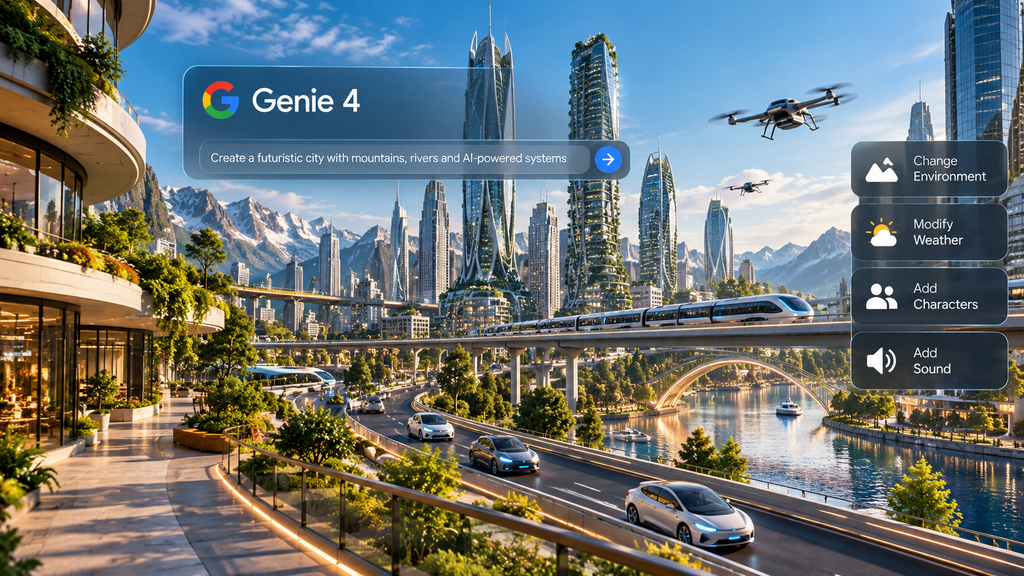
Google’s demonstrations show how Genie 4 can generate environments that users navigate and modify using natural-language instructions.
Because general access is still limited, the following workflow is based on Google’s demonstrated capabilities. It is not a hands-on test of the final consumer interface.
Step 1: Decide what kind of world you want
Start by choosing an environment.
It could be a forest, a coastal village, a historical city, or a futuristic world.
If I had the opportunity to create my first AI-generated world using Genie 4, I would personally choose a futuristic city where AI and humans work together in everyday life.
I’d love to explore a world with self-driving vehicles, intelligent buildings, automated businesses, and AI-powered systems that respond to human actions.
Step 2: Write your first prompt
A prompt tells the model what kind of environment you want it to create.
For my futuristic city, I would try something like this:
Example prompt: Futuristic AI city
Create a realistic futuristic city where humans and AI-powered systems work together. Include self-driving vehicles, intelligent buildings, automated shops, green public spaces, and pedestrians interacting with technology. Use a first-person perspective with natural city sounds.
This is an illustrative prompt, not a verified Genie 4 result.
Step 3: Explore the environment
Google has demonstrated navigation through generated environments.
Once you receive access, follow the available interface instructions to explore your world.
Pay attention to how objects, buildings, and characters behave as the viewpoint changes.
Step 4: Make changes in real time
You could try asking Genie 4 to change the weather, introduce new characters, or alter the environment.
For example:
Change the weather to light rain and introduce more pedestrians carrying umbrellas.
Step 5: Observe how the world responds
What would interest me most isn’t just how realistic the world looks, but how it reacts to different decisions.
Could I change the environment, interact with characters, or see how a city operates under different conditions?
I think creating something like this would be a fascinating way to explore future possibilities.
For me, the exciting part isn’t simply creating a virtual world. It’s being able to interact with it, experiment with ideas, and learn something new from the experience.
How to Write Effective Google Genie 4 Prompts
A good prompt gives the model enough information to understand the world you want to create.
You don’t need complicated technical language. Clear descriptions are a better starting point.
Try including the environment, visual style, viewpoint, actions, and sounds.
Example 1: Coastal village

Prompt: Create a peaceful coastal village at sunset, with narrow streets, fishing boats, moving clouds, gentle ocean waves, and realistic seaside sounds. Use a first-person walking perspective.
Example 2: Interactive forest

Prompt: Create a dense green forest with tall trees, a small waterfall, birds calling in the distance, and wind moving through the leaves. Allow the camera to travel along a narrow forest path.
Example 3: Futuristic city

Prompt: Create a futuristic city where autonomous vehicles move through the streets and intelligent buildings respond to human activity. Add realistic city sounds and characters interacting with their surroundings.
These examples are original prompt ideas for learning purposes.
They haven’t been independently tested with Genie 4, so the exact results are unknown.
My suggestion would be to begin with a simple environment and introduce changes gradually. That way, you can better understand how each instruction affects the simulation.
How to Add Sound, Characters, and Scene Changes
One of the most interesting Genie 4 features is native audio.
Google says Genie 4 generates sounds alongside the environment, including footsteps, crowds, natural ambience, and interactive dialogue. Google DeepMind
For example, imagine exploring a forest where you can hear birds, flowing water, and wind moving through the trees.
You could then introduce a character who speaks or reacts to the surroundings.
Here are some possible instructions:
For environmental audio:
Add realistic wind, distant birds, and the sound of water flowing through the forest.
For characters:
Introduce a traveler walking along the forest path who stops near the waterfall and comments on the surroundings.
For scene changes:
Change the weather to a thunderstorm, darken the sky, and introduce rain and distant thunder.
These prompts illustrate the kinds of interactions Google’s demonstrations suggest may be possible.
However, accurate audio generation and consistent character behavior remain areas of ongoing research.
Practical Uses of Genie 4 in Gaming, Education, and Simulation
1. Game development
I personally believe the gaming industry could benefit significantly from Genie 4, especially because of its potential to change how virtual worlds are created and experienced.
While researching the technology, what caught my attention was the possibility of generating interactive environments where players could explore different locations and experience worlds that respond to their actions.
Imagine a game where developers don’t have to manually design every environment, or where players can explore new places and interact with characters in more dynamic ways.
I think that could open up exciting opportunities for both game developers and players.
However, Genie 4 isn’t yet a proven replacement for traditional game engines. Developers still need tools for gameplay logic, reliable physics, asset control, performance optimization, and publishing.
2. Education and historical exploration

Interactive simulations could help students explore historical environments, understand geography, or visualize scientific concepts.
For example, a teacher might eventually use an ancient city to explain how people lived and worked.
However, generated historical scenes would still need factual verification before being presented as accurate reconstructions.
3. Robotics and virtual training

Google is also exploring Genie 4 for robotics research.
Simulated environments could allow AI systems to practice responding to different situations before researchers test them in the physical world.Google DeepMind
This could be useful for studying navigation, planning, and interaction with objects.
However, simulations aren’t automatically accurate representations of real-world physics.
My perspective
Although I see potential in education, robotics, and virtual training, gaming remains the application I’m most interested in.
My personal takeaway is that Genie 4 could eventually make game development more creative and accessible.
It’s still experimental, but I’m genuinely interested in seeing how the technology develops and what creators will be able to build with it in the future.
Genie 4 Limitations and Availability
Despite its impressive demonstrations, Genie 4 has important limitations.
Google acknowledges that visual details can change unexpectedly during longer simulations. Objects may lose consistency, particularly after multiple complex instructions.
The model can also struggle with interactions between independent characters, accurately recreating real-world locations, and generating readable text.
Another important limitation is session duration. Google’s current model information describes continuous interactions lasting a few minutes, rather than extended gaming sessions.
Native audio is also still being improved.Google DeepMind
These limitations matter because an impressive demonstration doesn’t necessarily mean a technology is ready for everyday use.
For example, a game developer needs characters, locations, and objects to remain consistent throughout the experience.
If a building changes appearance unexpectedly or a character behaves inconsistently, that could interrupt the experience.
For now, Genie 4 should be viewed as an experimental world simulation technology rather than a finished platform for creating complete games.
Genie 3 vs Genie 4: What’s Different?
| Feature | Genie 3 | Genie 4 |
| Interactive world generation | Yes | Yes |
| Real-time exploration | Yes | Yes |
| Natural-language world changes | Supported | Expanded |
| Native environmental audio | Not a headline feature | Demonstrated |
| Interactive character dialogue | Limited emphasis | Demonstrated |
| Availability | Limited experimental access | Research preview and waitlist |
Genie 4 builds on earlier interactive world-generation research while introducing native audio and more advanced demonstrations of character interactions.
Still, without independent testing under the same conditions, it’s difficult to determine how much better Genie 4 performs across every type of environment.
Frequently Asked Questions
What is Google Genie 4?
Google Genie 4 is an AI world model developed by Google DeepMind. It generates interactive environments that can respond to navigation, natural-language instructions, and simulated events.
How can I access Google Genie 4?
Visit Google’s official Genie 4 model page and follow the Project Genie waitlist registration. Access is currently limited.
Is Google Genie 4 free?
Google has not confirmed a generally available free Genie 4 tier. Its planned consumer rollout begins with Google AI Ultra subscribers.
Can Genie 4 generate interactive worlds with sound?
Yes. Google has demonstrated native environmental audio and character dialogue alongside interactive simulations.
How do I write effective Genie 4 prompts?
Describe the environment, viewpoint, visual details, actions, and sounds. Start with simple instructions and make changes gradually.
Can Genie 4 be used for game development?
It has potential for game prototyping and interactive world design, but it is not yet a complete replacement for established game development tools.
What is the difference between Genie 3 and Genie 4?
Genie 4 builds on Genie 3’s interactive world-generation capabilities, with improvements demonstrated in native audio, character interactions, and scene control.
Final Thoughts: Is Google Genie 4 Worth Exploring?
After exploring what Google DeepMind’s Genie 4 has to offer, I can say that the concept genuinely caught my attention.
What impressed me most was the idea of creating interactive worlds that respond to your actions instead of simply generating images or videos.
The possibility of exploring AI-generated environments with realistic visuals and sounds makes this technology particularly interesting.
However, I do have some concerns.
Since Genie 4 is still experimental, questions about accuracy, consistency, accessibility, and how well it handles complex interactions remain important.
I also wonder how much creative control users will actually have as the technology develops.
Would I personally want to try it? Absolutely!
I’d love to experiment with creating a futuristic city and see how the environment responds to different actions.
I think experiencing the technology firsthand would help me understand its real potential beyond the impressive demonstrations.
My biggest takeaway is that Genie 4 offers an exciting glimpse into the future of interactive AI, but there’s still a difference between an impressive demonstration and a tool that’s ready for everyday use.
For now, I’m excited to see where this technology goes, especially how it could change gaming, education, and virtual simulations in the coming years.
Learn, create, and grow with practical tutorials and step-by-step tech guides from TechsNeurons.